In Ubuntu you can create a list of installed packages very easily. There are lots of methods available. We will see one by one in this tutorial. This is helpful in some situations where you want to track or uninstall unwanted packages or need to install the same packages on another machine or need to install same after your system re-install.
Create a list of installed packages using dpkg:
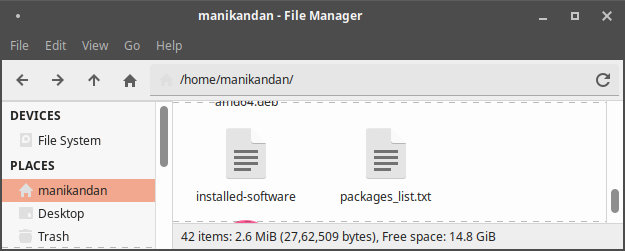
Open your terminal app (ctrl+alt+t) and run this command. It will create the a list of installed packages and stores in installed-software file in you home folder. You can open this file with any text editor.
dpkg --get-selections > installed-software
Create a list of installed packages using dpkg-query:
You can do the same above with below command also. This also store the details in a installed-software.txt text file in your Home directory.
sudo dpkg-query -f '${binary:Package}\n' -W > installed-software.txt
List Installed Packages with dpkg-query:
To list the details including the packages versions, architecture, and a short description in terminal, then run this command.
sudo dpkg-query -l | less
List Installed Packages with Apt package manager
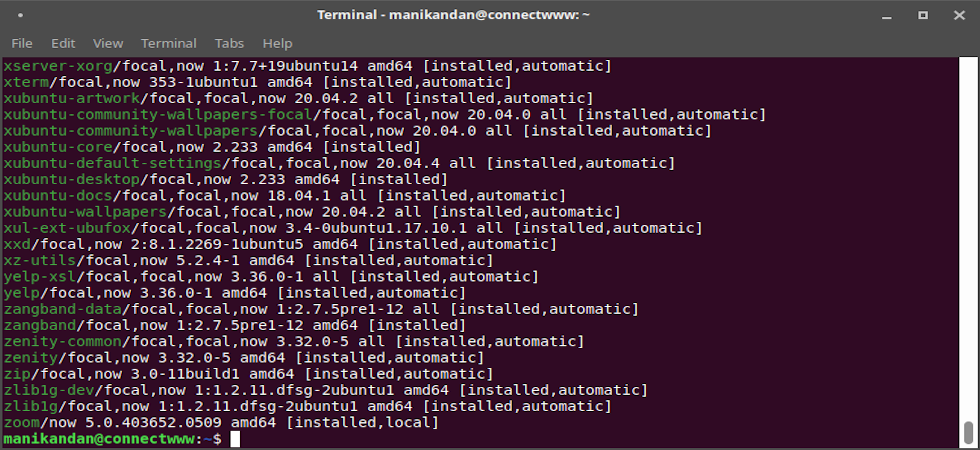
You can also list the installed packages using apt on your Ubuntu system
sudo apt list --installed
List installed snap packages:
Use this command to list all installed snap packages on your ubuntu.
snap list
List installed Flatpak packages:
flatpak list
Watch Video