
NetworkedBlogs Application for Facebook offers this service for facebook users to automatically publish Blog posts directly to Facebook wall.
To Automatically publish Blog posts directly to Facebook via networked Blogs
1.Login to your facebook account.
2. Open a new tab and copy paste below url
http://apps.facebook.com/blognetworks/
3.click the login button.
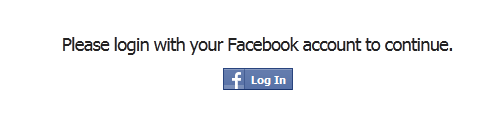
4.Then click Log In with Facebook buuton
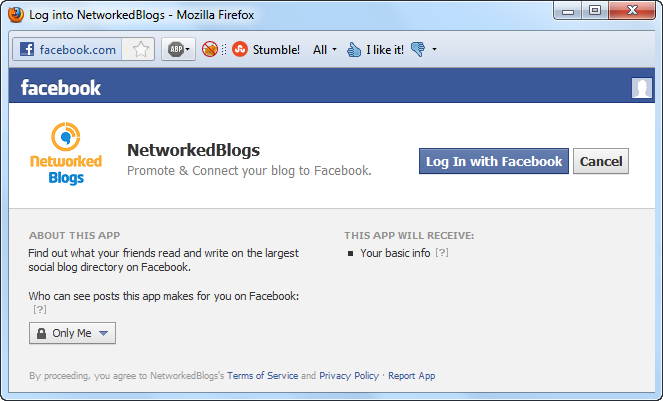
5.Then click “Click here to continue” link

6.Click Register a Blog Tab.

7.Register your blog with all required data.
8.Confirm your ownership.
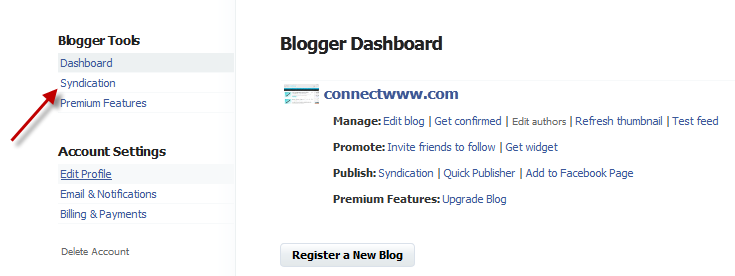
10.go to the NetworkedBlogs Home Page and click Blogger Dashboard.

11.click Syndication under Blogger Tools.
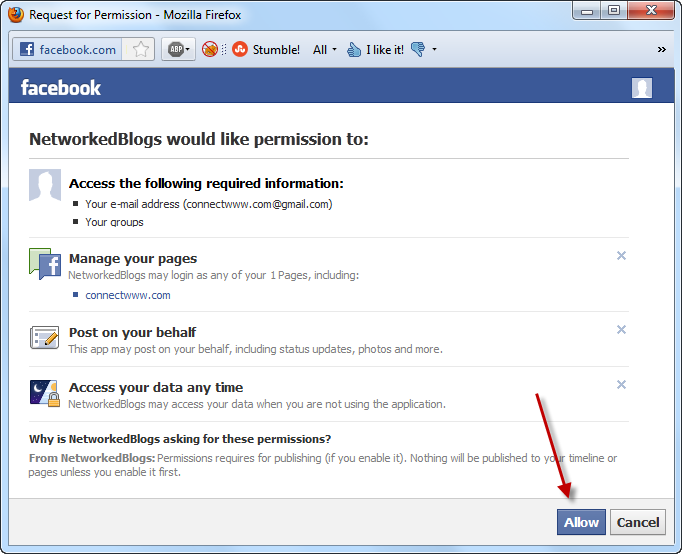
12.click the Grant Permissions tab and then click Allow button

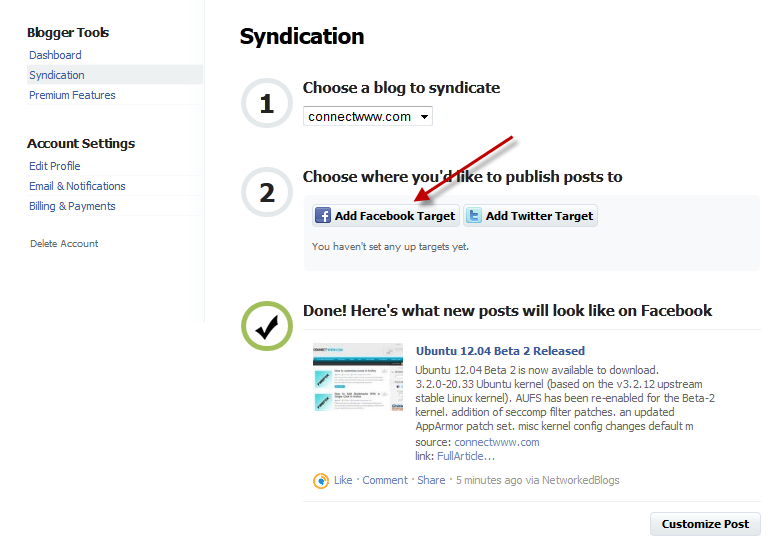
13.choose your blog to syndicate and click Add Facebook Target
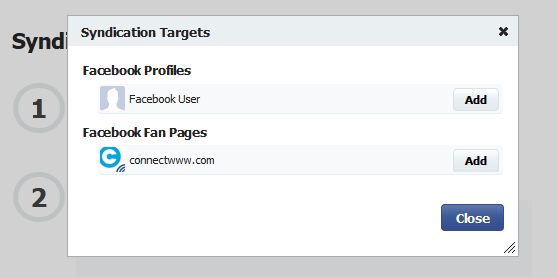
14.Select your profile or fan page and click Add button.


I think the admin of this web site is truly working hard in favor of his
web site, as here every material is quality based information.
Nice one but i think it takes time to publish ?
Have to test this. Seems a few people have problems getting this to work!?
Very good tutorial!
works
very nice thanks so much you have solved my problem I was finding it for many days thanks again.