In Ubuntu you can check and view hard disk or hard drive partition via your terminal application without any third party GUI tool.This will help you to view how many partitions were already created on the disk and also verify the available free space on your disk. In this article i will show your how to view all Hard Disk partition on Ubuntu via terminal.

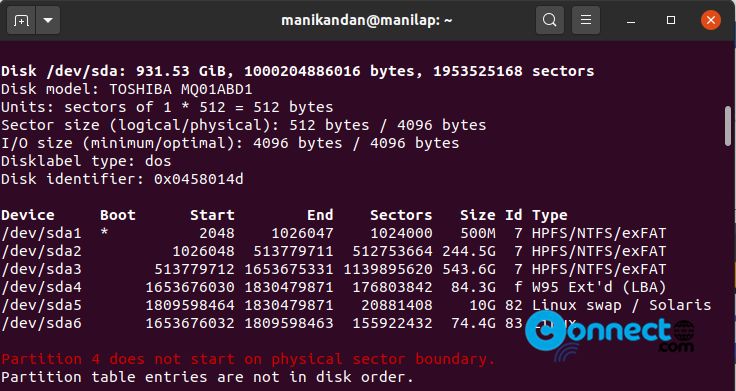
View Disk Partitions using fdisk:
Open your terminal application (ctrl+alt+t) and run this command.
sudo fdisk -l
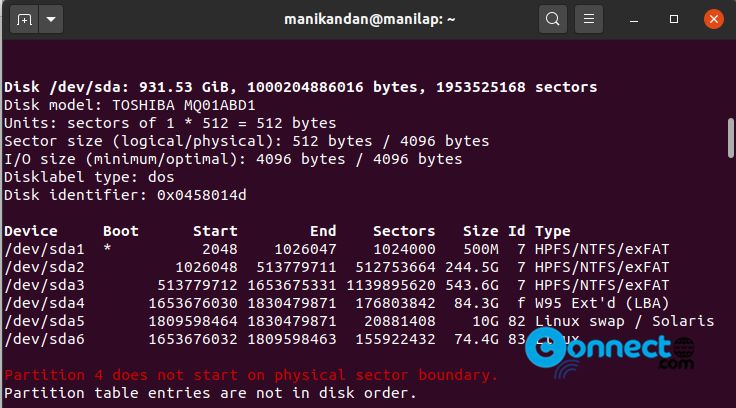
View Disk Partitions using sfdisk:
sudo sfdisk -l
sudo sfdisk -l /dev/sda
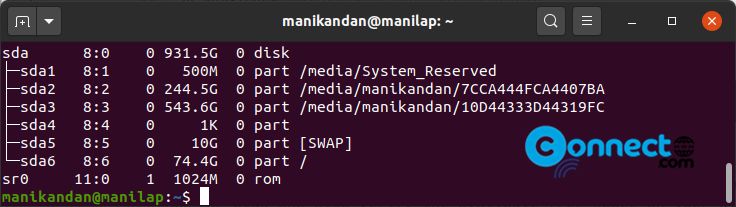
View Disk Partitions using lsblk:
lsblk
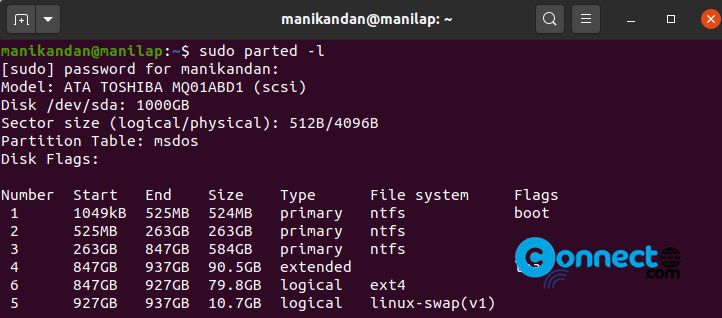
View Disk Partitions using parted:
sudo parted -l
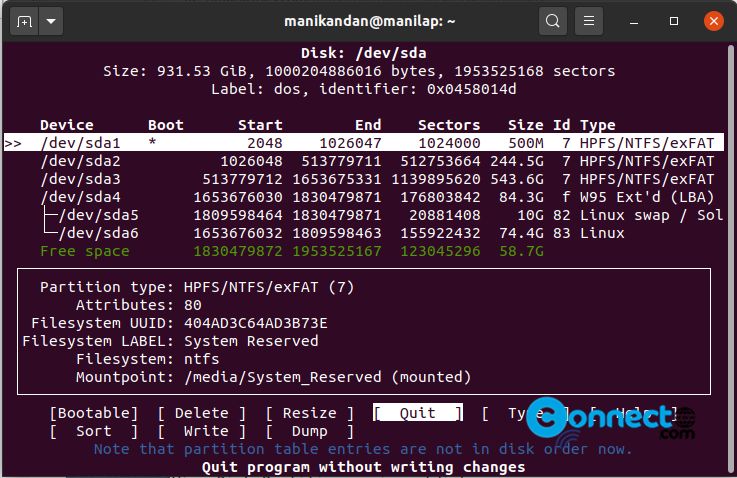
View Disk Partitions using cfdisk
sudo cfdisk /dev/sda
View Disk Partitions using df:
df -h
df -h | grep ^/dev

View Disk Partitions using blkid:
blkid

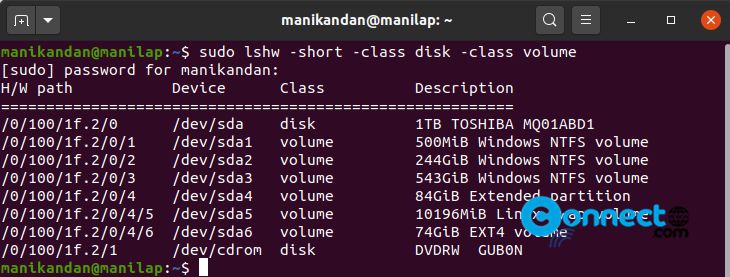
View Disk Partitions using lshw:
sudo lshw -short -class disk -class volume
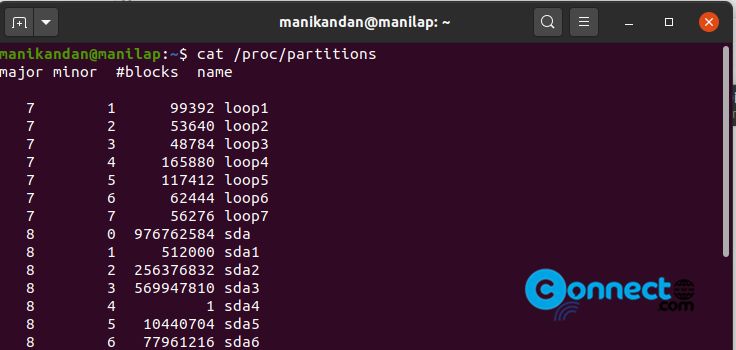
View Disk Partitions using cat:
code]cat /proc/partitions