Make Firefox match website colors automatically. Ambient Theme by Site Colour changes your browser theme per site with full privacy.
If you use Mozilla Firefox, you probably like it for speed, privacy, and simple design. But what if your browser could change its look depending on the website you visit? That’s exactly what the Ambient Theme by Site Colour extension does and it does it beautifully.
What is Ambient Theme by Site Colour?
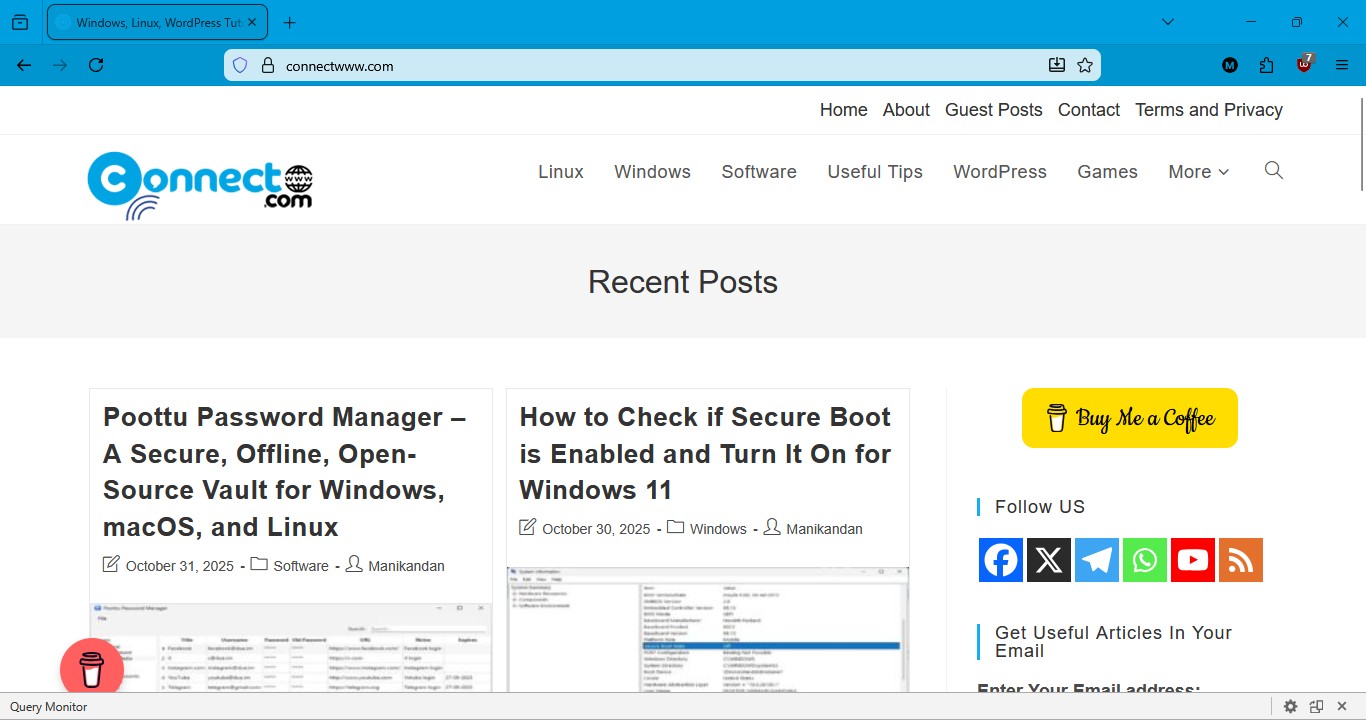
Ambient Theme by Site Colour is a Firefox add-on that changes your browser’s toolbar and UI colors to match the dominant colors of the website you are currently viewing. Instead of one fixed theme, each site gets its own color mood automatically.

How It Works:
When you open a website, Ambient Theme by Site Colour quietly analyzes the page and picks up colors from elements such as the site’s theme color, logo, favicon, or main images. From these, it selects one balanced color and applies it to Firefox’s interface, including the toolbar, tab bar, and related areas. At the same time, the add-on automatically adjusts contrast and color blending so that text and icons remain clear and easy to read. All of this processing happens entirely inside your browser, and no data is sent to external servers, making it a privacy-friendly extension available on Mozilla Add-ons.
Key Features of Ambient Theme by Site Colour:
Dynamic per-site coloring — each website gives Firefox a new look automatically.
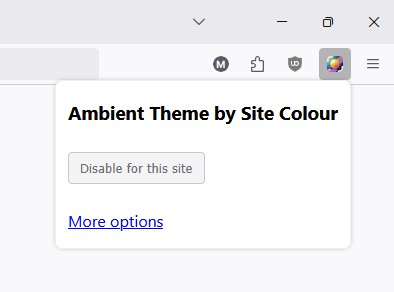
Easy toggle on each site — turn the color theme on or off from the toolbar.
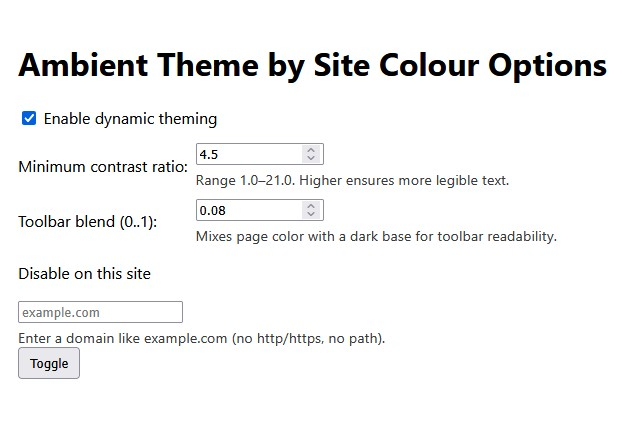
Contrast and blend controls — keep text clear even on bright or dark sites.
Works when you switch tabs or load new pages.
No personal data tracking. Everything stays in your browser.
How to Install and Use the Add-on:
1. Go to the Firefox Add-ons page for Ambient Theme by Site Colour.
2. Click Add to Firefox.
3. After install, click the addon icon when you’re on a site you want to customize.
4. Toggle the dynamic theme or adjust settings like contrast.
That’s it!
Why It’s a Great Add-On
Most Firefox themes are static one color everywhere. But this addon responds to what you are browsing. If you like a personalized browsing experience or just appreciate something different every time you open a tab, this makes your browser feel more alive. Plus, because all processing is local, your privacy stays intact.
The Ambient Theme by Site Colour extension is simple, elegant, and brings a fresh look to your everyday browsing. Whether you love colors or just want something unique, this addon gives Firefox a personal touch without impacting privacy or performance. Try it today and make your browser feel more alive!