gmail

Create your own theme with your own background image in Gmail

1

Create your own theme with your own background image in Gmail.

To create your own theme with your own background image in Gmail

1.Go to gmail and login

2.Click Options icon and select Mail settings.
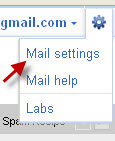
3.Then click Themes tab.

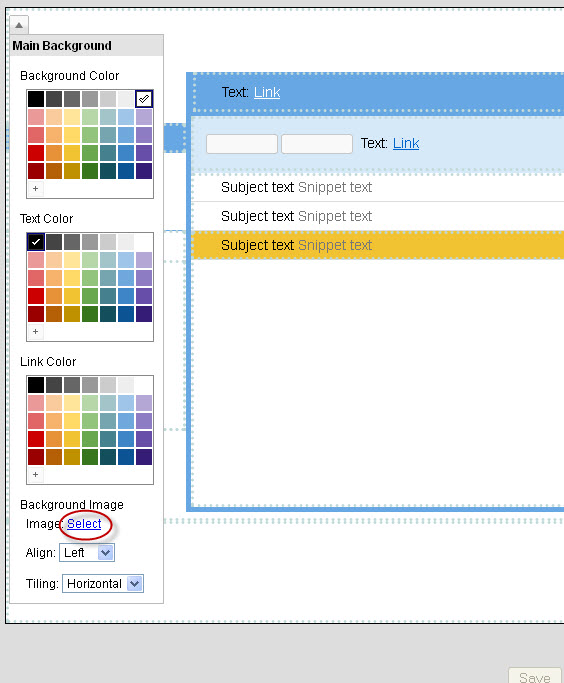
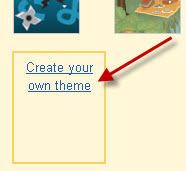
4.On the bottom left click “create your own theme”
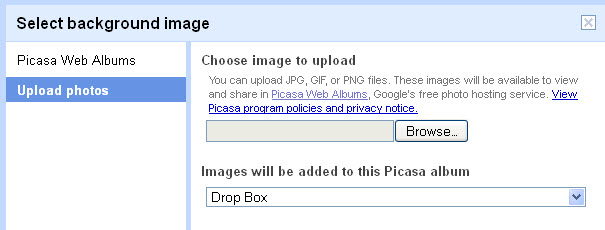
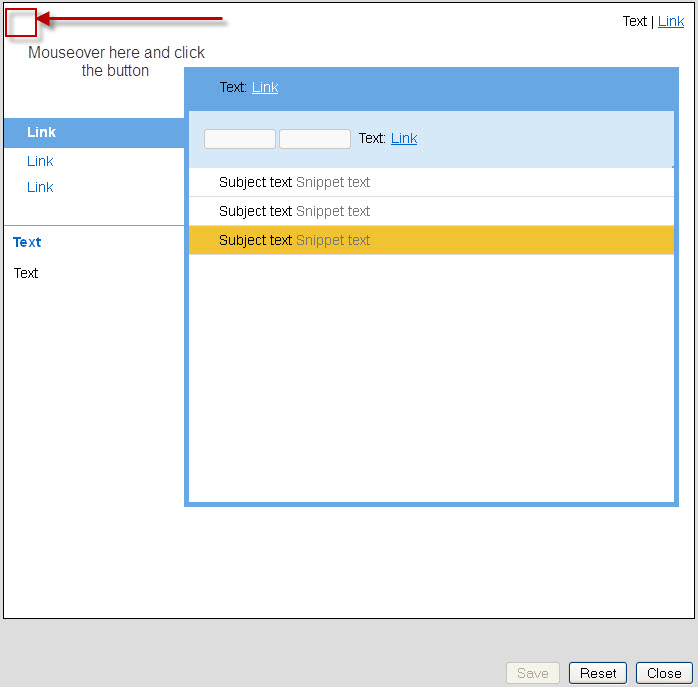
5.click the button and then click select.
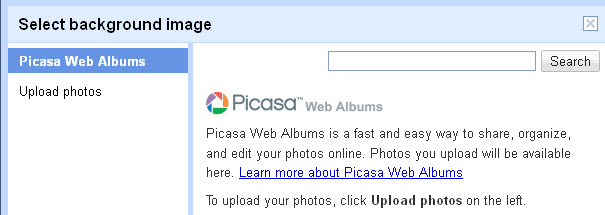
6.Choose an image, either from Picasa or from your own pc and save the changes.
 

If you enjoyed this article, Get email updates (It’s Free)
avatar
Author :  

Hello visitor! Subscribe to the RSS feed or subscribe via email to receive updates.

Browse related articles

Gmail adds new typing languages Gmail adds new typing languages

Gmail adds new typing languages: Google has added more than 100 virtual keyboards, transliteration and IMEs collectively called input tools in Gmail. Gmail now supports 75 typing languages. To enable this new gmail tool, Go to setting and check the box next to Enable input tools under Language and save changes. After that you’ll see [...]

New custom themes in Gmail New custom themes in Gmail

Google announced in a new post on the official Gmail blog that soon users will be able to put in their own background themes.This new feature will allow users to select image from your Google+ photos or simply paste any image URL or browse google’s searchable featured Photos section to find a image. Source If [...]

How To Customize new Twitter background (Let’s Fly design) How To Customize new Twitter background (Let’s Fly design)

Twitter redesign the site Let’s Fly design  and also offer some new features. Tips for creating your own new twitter background 1.Keep important background content on the left of the screen. 2.Twitter.com content is still centered on the page. 3.New design uses fixed width of 865 pixels 4.Twitter Background is left-aligned. File Size: smaller than [...]

WAV Player for Gmail WAV Player for Gmail

Author’s Description: WAV Player for Gmail is a google chrome extension that Adds an embedded player within Gmail messsages containing audio files in the WAV format.This extension will insert an html audio tag if the email contains a .wav file attachment so that you can play the message inline, without having to download it. This [...]

One Comment on Create your own theme with your own background image in Gmail

  1. avatar Diego Vieira says:

    What’s the size limit for the background image?

Leave a Reply